- Course Details
- Course Outline
- Training Deliverables
Course Description
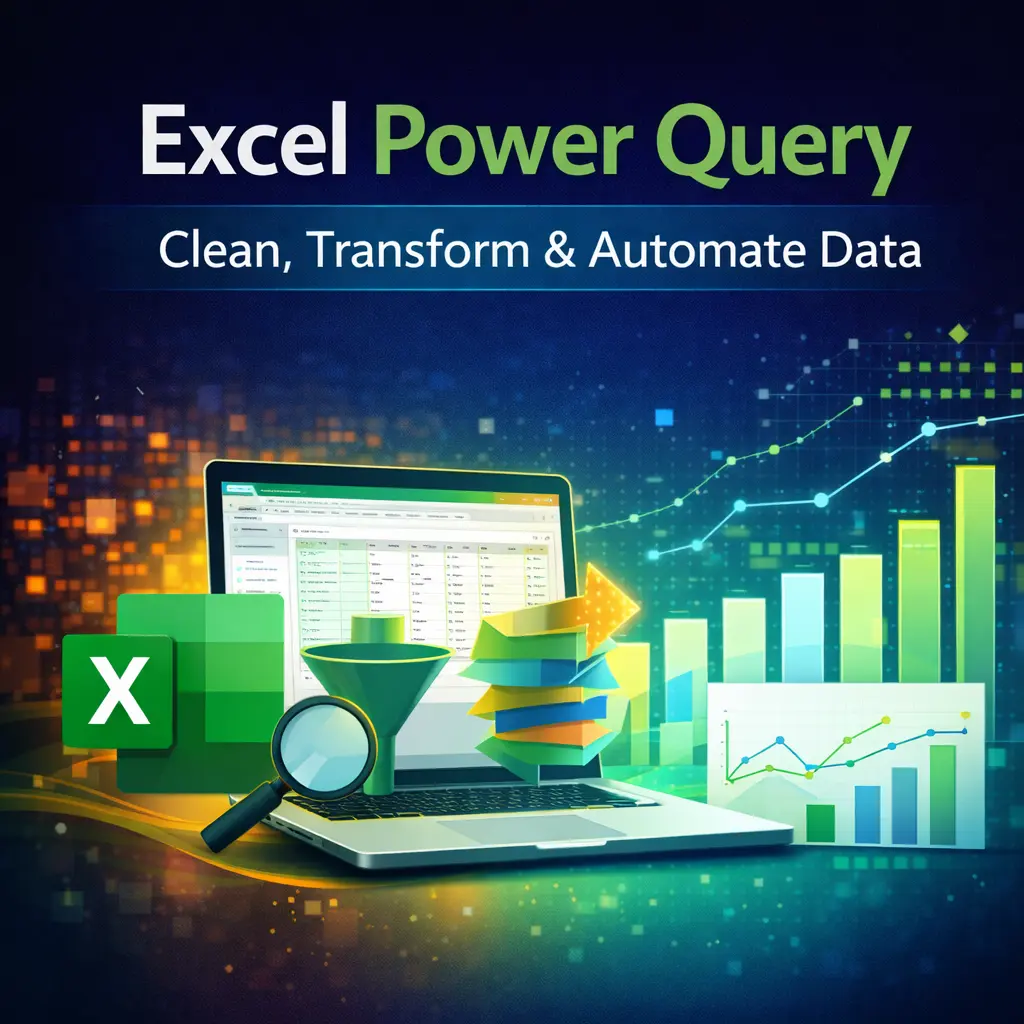
This Excel Power Query Training course is designed to help professionals automate data preparation, cleaning, and reporting using Microsoft Excel Power Query. Participants will learn how to import data from multiple sources, transform messy datasets, combine files, automate repetitive tasks, and build refreshable reports without writing complex formulas or macros.
The training is highly practical and hands-on, using real-world business scenarios from Finance, HR, Sales, Procurement, and Operations.
Learning Objectives
By the end of this course, participants will be able to:
- Understand the Power Query workflow.
- Import data from multiple sources.
- Clean and transform large datasets efficiently.
- Merge and append multiple tables.
- Create automated data transformation processes.
- Build reusable and refreshable reports.
- Apply advanced Power Query transformations.
- Work with custom columns and conditional logic.
- Understand the basics of M Language.
- Reduce manual reporting effort through automation.
Who Should Attend?
This course is ideal for:
- Business Professionals
- Data Analysts
- MIS Executives
- Finance & Accounting Professionals
- HR Professionals
- Sales & Marketing Teams
- Operations & Supply Chain Professionals
- Anyone who spends significant time cleaning and preparing Excel data
Day 1 – Power Query Fundamentals & Data Transformation
Module 1: Introduction to Power Query
- What is Power Query?
- Benefits of Power Query
- Power Query Interface
- Understanding Queries & Connections
- Data Refresh Concepts
Module 2: Importing Data
- Excel Files
- CSV Files
- Text Files
- Folder Import
- PDF Files
- Web Data
- SQL Server (Introduction)
- SharePoint Files (Introduction)
Module 3: Data Cleaning Techniques
- Remove Blank Rows
- Remove Duplicates
- Trim & Clean Text
- Change Data Types
- Split Columns
- Merge Columns
- Fill Down & Fill Up
- Replace Values
- Rename Columns
- Remove Errors
Module 4: Data Transformation
- Sorting & Filtering
- Group By
- Pivot Columns
- Unpivot Columns
- Transpose Data
- Extract Text
- Date Transformations
- Number Transformations
- Conditional Columns
- Custom Columns
Module 5: Combining Data
- Append Queries
- Merge Queries
- Join Types
- Expand Tables
- Combining Multiple Excel Files from a Folder
- Creating Automated Monthly Reports
Day 2 – Automation, Advanced Features & Business Applications
Module 6: Advanced Power Query
- Query Dependencies
- Managing Applied Steps
- Query Parameters
- Reference vs Duplicate Queries
- Function Queries
- Error Handling
- Performance Optimization
Module 7: Introduction to M Language
- Understanding Formula Bar
- M Language Basics
- Common M Functions
- Editing Existing Code
- Creating Simple Custom Functions
Module 8: Data Automation
- Automatic Data Refresh
- Refresh All Queries
- Dynamic File Paths
- Refreshing Folder-Based Reports
- Building Repeatable Reporting Processes
Module 9: Power Query Best Practices
- Naming Conventions
- Query Organization
- Performance Tips
- Documentation
- Troubleshooting Common Errors
Module 10: Real-World Business Projects
- HR Employee Master Cleanup
- Sales Data Consolidation
- Financial Report Automation
- Procurement Data Analysis
- Customer Database Cleaning
- Monthly MIS Automation
- Hands-on Case Studies & Practice
Training Deliverables
Participants will receive:
- Training Material / Course Manual
- Practice Files & Exercises
- Power Query Sample Datasets
- Power Query Cheat Sheet
- M Language Quick Reference Guide
- Certificate of Completion
- Post-Training Support & Q&A