- Course Details
- Course Outline
- Training Deliverables
Course Description
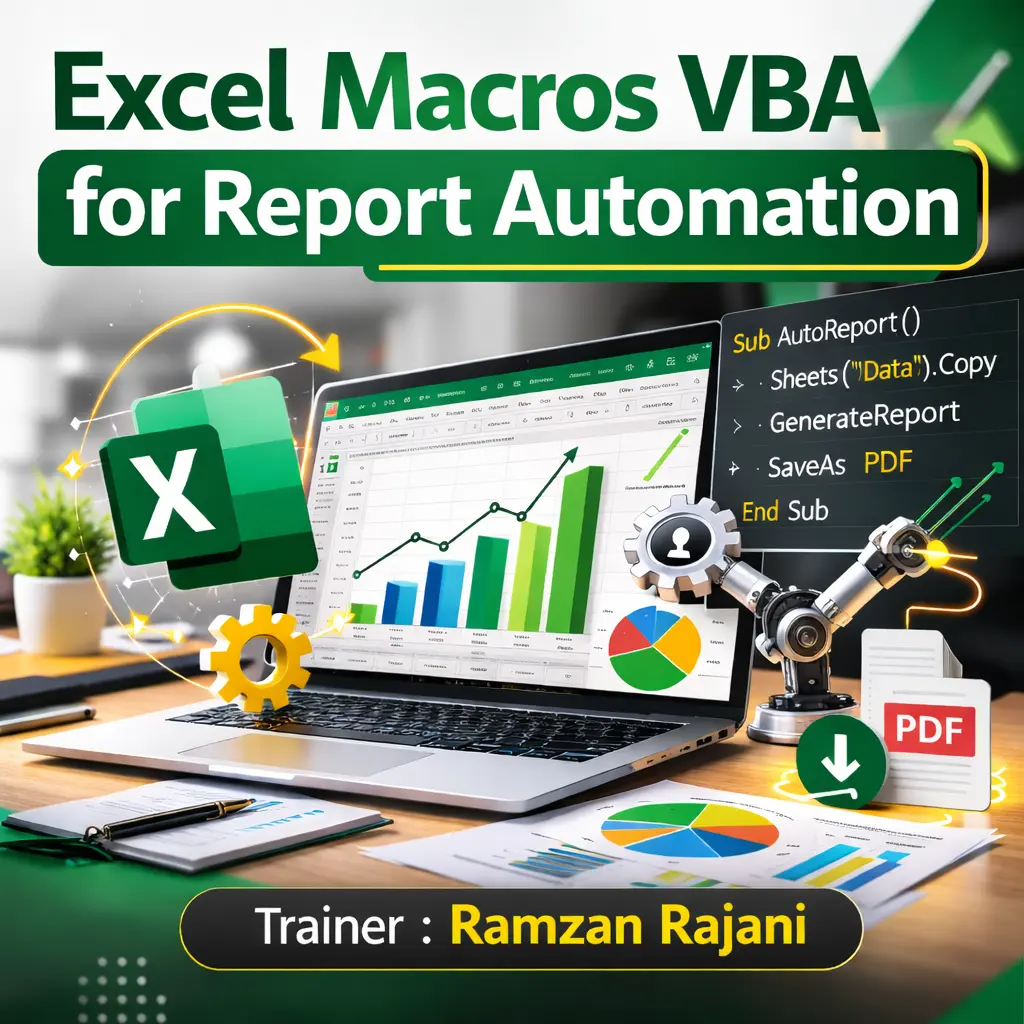
This Excel VBA Report Automation Training course is designed to help professionals automate repetitive Excel tasks, streamline reporting processes, and improve productivity using Visual Basic for Applications (VBA). Participants will learn how to record macros, write VBA code, automate reports, manipulate worksheets, work with Excel objects, and build user-friendly automation solutions.
The training is highly practical and project-based, enabling participants to automate daily, weekly, and monthly reports using real-world business scenarios from Finance, HR, Sales, Operations, and MIS reporting.
Learning Objectives
By the end of this course, participants will be able to:
- Understand VBA programming concepts and the Excel Object Model.
- Record, edit, and optimize Macros.
- Write VBA procedures and functions.
- Automate repetitive reporting tasks.
- Create dynamic and reusable report automation solutions.
- Work with worksheets, workbooks, ranges, and tables using VBA.
- Automate data import, formatting, and report generation.
- Create interactive UserForms for data entry.
- Handle errors and debug VBA code efficiently.
- Build professional report automation projects that save significant manual effort.
Who Should Attend?
This course is ideal for:
- Business Professionals
- MIS Executives
- Data Analysts
- Finance & Accounting Professionals
- HR Professionals
- Operations Teams
- Reporting Analysts
- Business Analysts
- Anyone who prepares repetitive Excel reports and wants to automate them using VBA
Day 1 – VBA Fundamentals & Macro Automation
Module 1: Introduction to VBA
- What is VBA?
- Benefits of Report Automation
- Excel Developer Tab
- VBA Editor (VBE)
- Understanding the Excel Object Model
- Modules & Procedures
Module 2: Recording & Editing Macros
- Recording Macros
- Absolute vs Relative References
- Editing Recorded Code
- Assigning Macros to Buttons
- Macro Security Settings
- Personal Macro Workbook
Module 3: VBA Programming Basics
- Variables & Constants
- Data Types
- Operators
- InputBox & MsgBox
- Comments
- Naming Conventions
Module 4: Decision Making & Loops
- If…Then…Else
- Select Case
- For…Next Loop
- For Each Loop
- Do While & Do Until
- Nested Loops
Module 5: Working with Excel Objects
- Workbooks
- Worksheets
- Ranges
- Cells
- Rows & Columns
- Named Ranges
- Excel Tables (ListObjects)
Day 2 – Report Automation & Advanced VBA
Module 6: Automating Excel Reports
- Importing Data Automatically
- Cleaning & Formatting Data
- Copying Data Between Worksheets
- Creating Summary Reports
- Updating Pivot Tables
- Refreshing Power Query Reports
- Exporting Reports to PDF
Module 7: Working with Files & Folders
- Open & Close Workbooks
- Save As Automation
- Batch Processing Multiple Files
- Folder Selection Dialog
- Creating New Reports Automatically
- Renaming Files
Module 8: UserForms & Interactive Automation
- Creating UserForms
- Text Boxes
- Combo Boxes
- List Boxes
- Command Buttons
- Input Validation
- Navigation Forms
Module 9: Error Handling & Code Optimization
- On Error Statements
- Debugging VBA Code
- Immediate Window
- Breakpoints
- Error Logging
- Writing Efficient VBA Code
- Best Practices
Module 10: Real-World Automation Projects
- Monthly Sales Report Automation
- HR Employee Report Automation
- Finance MIS Automation
- Dashboard Refresh Automation
- Bulk PDF Report Generation
- Email Reports via Outlook Automation
- End-to-End Report Automation Project
- Hands-on Practice & Case Studies
Training Deliverables
Participants will receive:
- Training Material / Course Manual
- VBA Practice Files & Exercises
- Ready-to-Use VBA Code Library
- Report Automation Templates
- Excel VBA Cheat Sheet
- VBA Object Model Reference Guide
- Certificate of Completion
- Post-Training Support & Q&A